How to Pay GEPCO Bill Online in 2026
Nobody enjoys standing in long queues to pay an electricity bill. The good news is that in 2026, you can pay your GEPCO bill online within minutes using your smartphone, banking app, or mobile wallet.
Whether you use JazzCash, Easypaisa, HBL, Meezan Bank, MCB Bank, UBL, Allied Bank, Bank Alfalah, or the National Bank of Pakistan, the process is simple and secure. Online payment options save time, reduce hassle, and help you avoid missing your bill due date.
This GEPCO bill payment guide explains every major GEPCO online bill payment method available in Pakistan. It also shows you how to verify payments and keep your payment records safe.
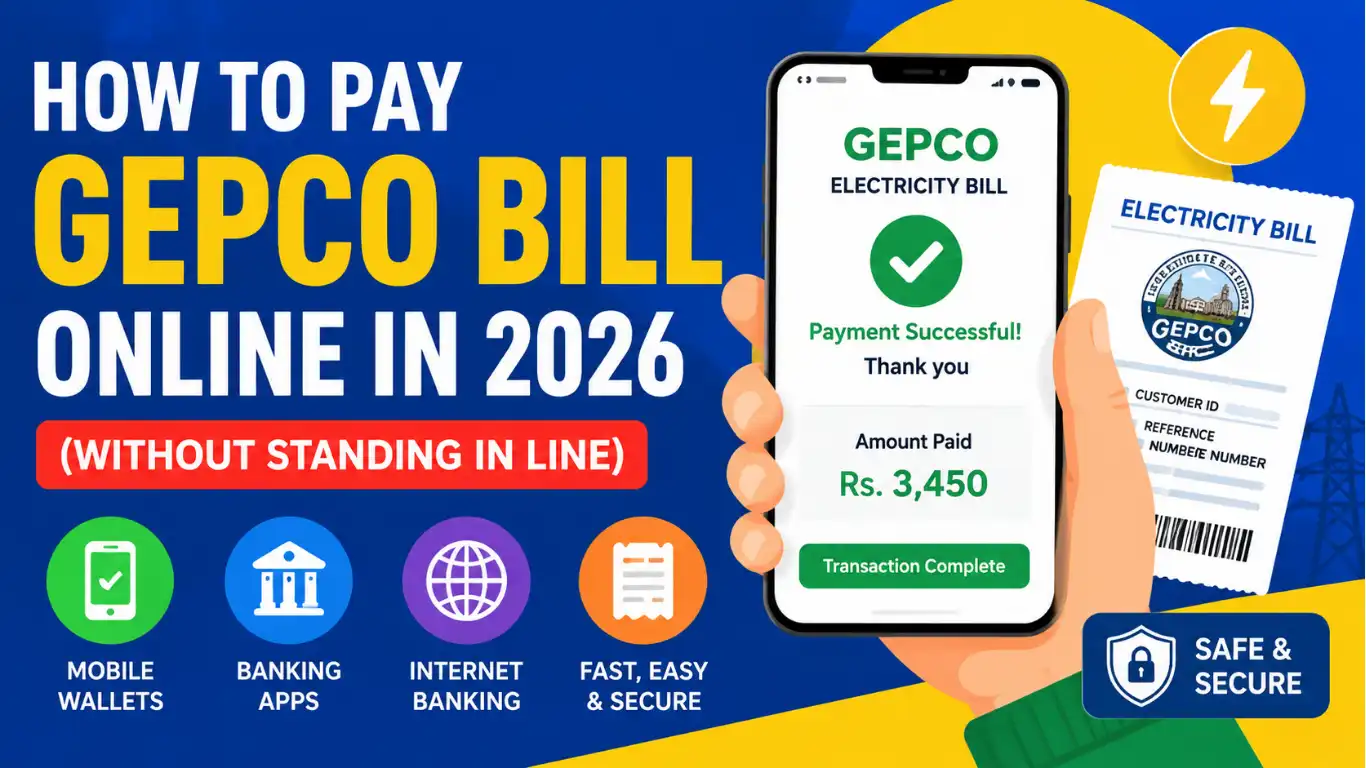
Payment Options at a Glance
GEPCO customers have several ways to pay electricity bills online:
- JazzCash mobile wallet
- Easypaisa mobile wallet
- Mobile banking apps
- Internet banking services
- ATM bill payment
- QR code bill payment (where available)
- Digital banking services offered by commercial banks
All methods require either your GEPCO reference number or customer ID GEPCO information printed on your bill.
If you do not have a copy of your bill, you can first download a GEPCO duplicate bill and then proceed with payment.
Method 1: The Easiest Way (Using JazzCash or EasyPaisa)
For most consumers, mobile wallet payment remains the easiest way to pay GEPCO bill online.
You do not need to visit a bank branch. You only need a smartphone and an active wallet account.
Paying Through JazzCash
Many people search for "can I pay GEPCO bill with JazzCash?" The answer is yes.
Follow these steps:
- Open the JazzCash app.
- Tap "Bills & Utilities."
- Select Electricity.
- Choose GEPCO from the list.
- Enter your GEPCO reference number.
- Review the bill details.
- Press Pay.
- Save the payment confirmation.
JazzCash instantly processes most electricity bill payments and provides a digital receipt.
Paying Through Easypaisa
If you prefer Easypaisa, the process looks very similar.
- Open the Easypaisa app.
- Select Bill Payment.
- Choose Electricity.
- Select GEPCO.
- Enter your reference number.
- Verify bill details.
- Complete the payment.
- Save the bill payment receipt.
Easypaisa has become one of Pakistan's most popular digital bill payment platforms because it offers fast and convenient online utility bill payment services.
For many users, this is the easiest way to pay GEPCO bill without leaving home.
Method 2: Using Your Mobile Banking App (HBL, Meezan, MCB, etc.)
If you already use online banking payment services, your bank app can handle electricity bill settlement in just a few taps.
Most major Pakistani banks support GEPCO online payment.
These include:
- HBL
- Meezan Bank
- MCB Bank
- UBL
- Allied Bank
- Bank Alfalah
- National Bank of Pakistan
The exact screen layout may differ, but the payment process remains almost the same.
Steps for Mobile Banking Payment
- Log in to your banking app.
- Open the Bill Payment section.
- Select Utility Payments.
- Choose Electricity.
- Select GEPCO.
- Enter your GEPCO reference number or customer ID.
- Review the bill amount.
- Confirm payment.
- Save the transaction record.
This GEPCO bill payment through bank app method works 24 hours a day and helps customers complete electricity bill processing without visiting a branch.
Many users prefer mobile banking apps because they can manage multiple utility bills from one account.
Pro-Tip: Save Your Bill Payment!
Always save your bill payment receipt after every transaction.
A payment receipt helps you:
- Verify successful payment
- Resolve billing disputes
- Track monthly expenses
- Maintain electricity bill management records
Most apps allow you to download a PDF receipt or take a screenshot for future reference.
If someone asks how to download paid GEPCO bill receipt, the easiest method is to use the receipt download option available in your banking or wallet application.
How Do I Know if My Bill is Actually Paid?
One of the most common questions is: "How do I verify my GEPCO bill payment?"
Fortunately, modern electronic payment systems provide multiple ways to confirm payment.
You can verify payment by:
- Checking the payment confirmation message
- Viewing transaction history in your app
- Reviewing your digital receipt
- Using online bill verification services
- Checking updated status through bill payment services
Most payments update quickly within the utility payment system.
In some cases, updates may take several hours depending on the payment channel.
The Pakistan Information Technology Company (PITC), which supports electricity billing systems for many distribution companies, helps facilitate digital billing and payment integration across utility services.
Before You Press Pay
Before completing any GEPCO online bill payment, take a few seconds to review important details.
Check the following:
- Correct GEPCO reference number
- Correct customer ID
- Accurate bill amount
- Valid due date
- Sufficient account balance
A small mistake can send your payment to the wrong account.
Also, only use official mobile banking apps, trusted internet banking services, or verified mobile wallet platforms. This helps ensure a secure online transaction and protects your financial information.
Avoid sharing OTP codes, passwords, or PINs with anyone.
Frequently Asked Questions (FAQs)
Can I pay GEPCO bill through JazzCash?
Yes. JazzCash allows users to pay GEPCO bill online through its mobile wallet application. Simply select GEPCO under electricity bills and enter your reference number.
Can I pay GEPCO bill through Easypaisa?
Yes. Easypaisa supports GEPCO online bill payment. You can complete the transaction directly from the Easypaisa app without visiting a payment center.
How long does GEPCO payment take to update?
Most payments appear instantly or within a few hours. Occasionally, the utility payment system may require additional processing time, especially during peak periods or system maintenance.
What happens if I miss the GEPCO bill due date?
GEPCO may apply late payment surcharges after the bill due date. Delayed payments can increase the total payable amount.
Can I pay a GEPCO bill after the due date?
Yes. In most cases, you can still pay after the due date. However, additional charges may apply. Always review the updated payable amount before making payment.
How do I verify my GEPCO bill payment?
You can verify payment using your payment confirmation message, transaction history, online bill verification tools, or digital receipt generated by your payment provider.
Is online GEPCO bill payment secure?
Yes. Online payment for GEPCO bill in Pakistan is generally secure when you use trusted banking apps, official wallet services, and verified digital banking platforms. Always protect your login credentials and avoid using unknown payment websites.
Final Words
Online bill payments have transformed the way consumers manage electricity expenses. Instead of standing in line, you can now pay electricity bill online in a few minutes using JazzCash, Easypaisa, or your preferred bank app.
Whether you choose mobile wallet payment, internet banking, or digital banking services, the process remains fast, convenient, and secure. Keep your GEPCO reference number handy, save your payment receipts, and verify every transaction for complete peace of mind.
Once you try GEPCO online payment, waiting in a long queue may start to feel like something from another decade.